Many websites start out looking sharp and slowly drift. A new landing page uses a slightly different blue, a campaign page invents its own button style, and a few years later the site feels like it was built by five different companies. The fix is not stricter policing but a better foundation: a brand and identity manual translated into a working design system for the web.
What a Design System Contains
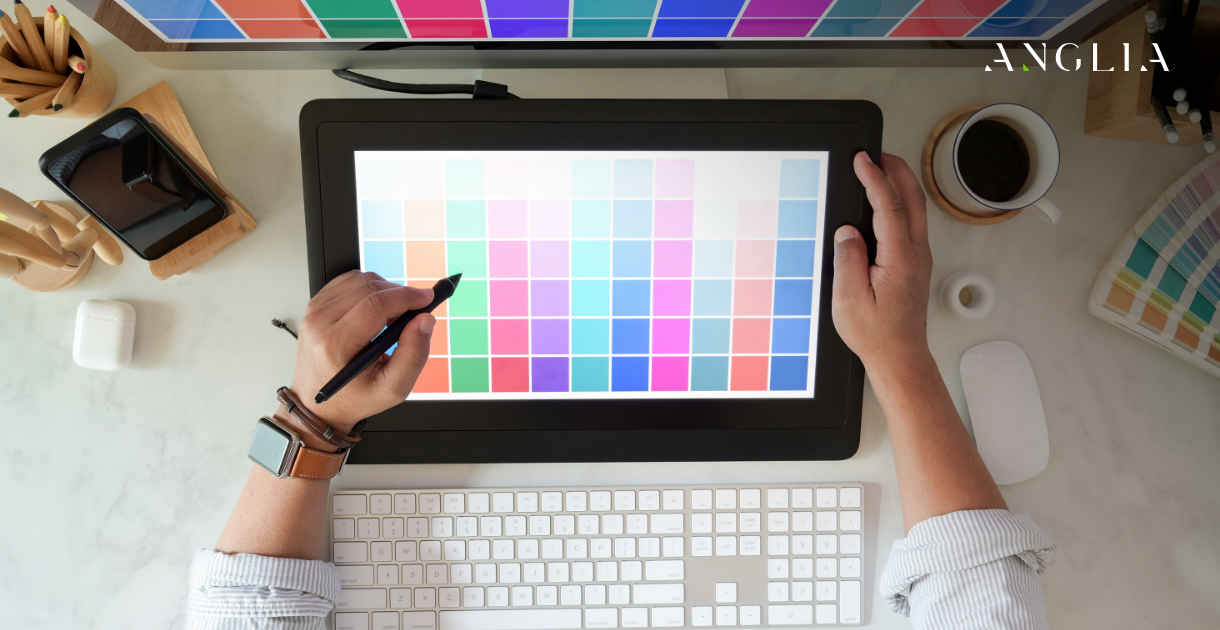
A design system is more than a logo and a colour palette. It is a documented set of decisions and reusable parts that anyone working on the site can apply. Typically it includes colour values with their intended uses, a type scale for headings and body text, spacing and grid rules, icon style, button and form components, card layouts, navigation patterns, and guidance on imagery and tone. Each element has a name and a clear rule for when to use it, so decisions are made once rather than repeated on every page.
Start With the Foundations
Begin with the basics that everything else depends on. Colour should be defined as a small number of roles, such as primary, secondary, background, text and alert, rather than a long list of random shades; our discussion of colour in web design explains how those roles shape perception. Typography needs a limited set of sizes and weights that stay readable on every device, which the FAQ on typography and readability covers. Spacing follows a consistent scale, and the thinking in typography, colour and space shows how these quiet choices create a recognisable brand.
Build Components, Not Pages
Instead of designing each page from scratch, design the pieces: a button, a form field, a product card, a testimonial block, a banner. Define their states too, including hover, focus, disabled, error and loading. Once the components exist, new pages become assemblies of familiar parts. That speeds up production, reduces errors and makes the experience predictable for visitors. Details like button styling matter more than they look; see button colours and placement and the approach to iconography for a distinctive visual language.
Keep Design and Code in Step
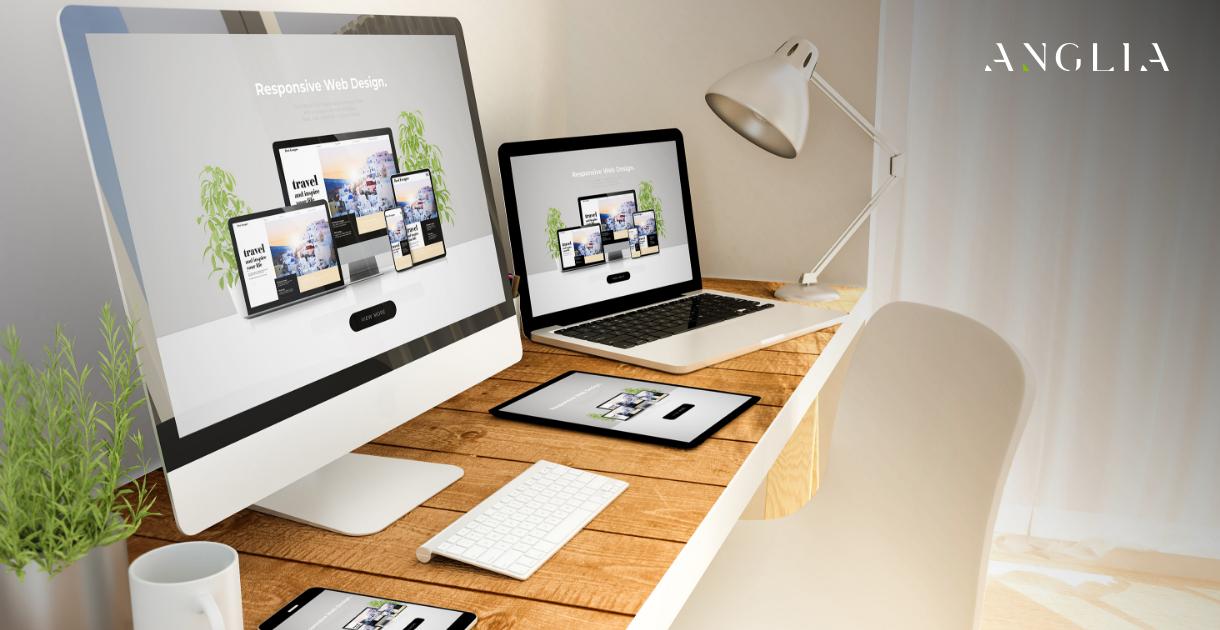
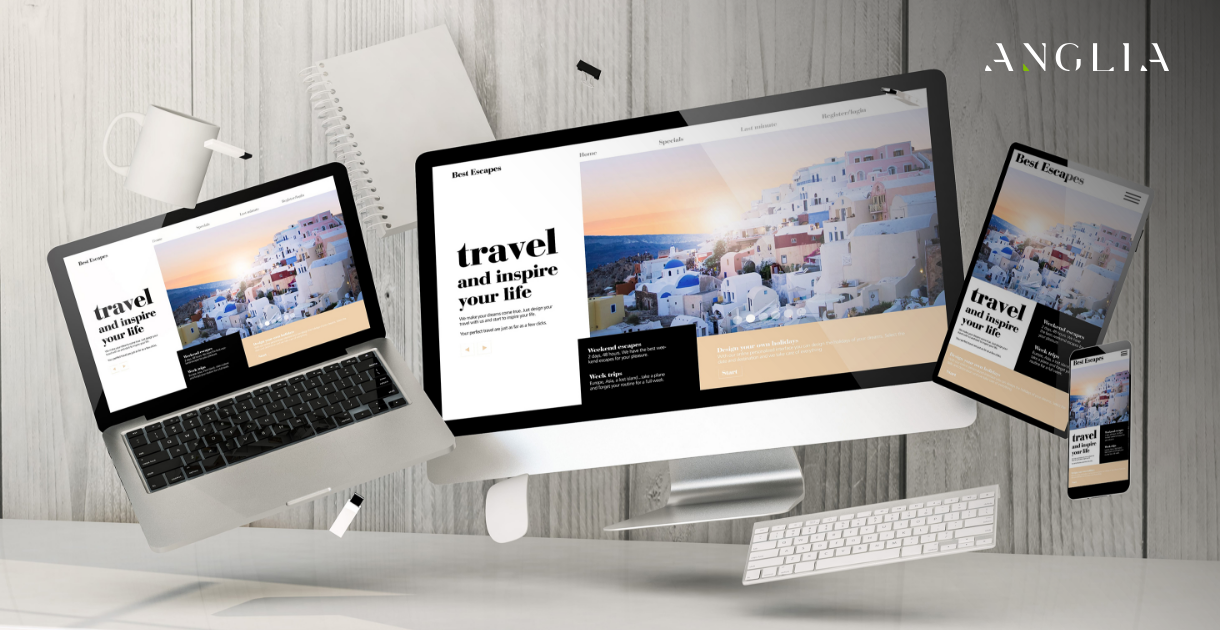
A style guide only helps if the live site follows it. When designers and developers share the same named values for colours, spacing and components, changes can be made in one place and carried across the entire site. This is closely linked to the benefits of clean code for scalable design. It also supports consistency across devices, which is a common weak point described in cross-platform consistency.
Connect It to the Wider Brand
A website design system should extend, not replace, your wider identity. The same principles apply to brochures, social posts and presentations, and the intersection of graphic and web design explains how to keep them aligned. If your team creates social graphics in-house, our Canva design guide shows how to apply brand rules in everyday tools. For the bigger picture, the FAQ on branding and visual design makes the business case.
Govern It Over Time
A design system is a living document. Assign someone to own it, record changes, and review it when the brand evolves or new needs appear. Without care, even good systems decay, which is one reason modern websites often age poorly. Regular reviews fit naturally into a website maintenance routine.
Whether you're redesigning an existing site or planning a new build, ANGLIA can create a style guide and component library tailored to your brand, so your site stays coherent however much content you add. Talk to us through the web design service page, or get in touch directly with your questions.