If visitors can't find what they're looking for, they leave. This FAQ explores how clear navigation and a logical site structure guide visitors smoothly, improve usability, and help both users and search engines understand your website.
FAQ
Why Is Website Navigation and Structure So Important?
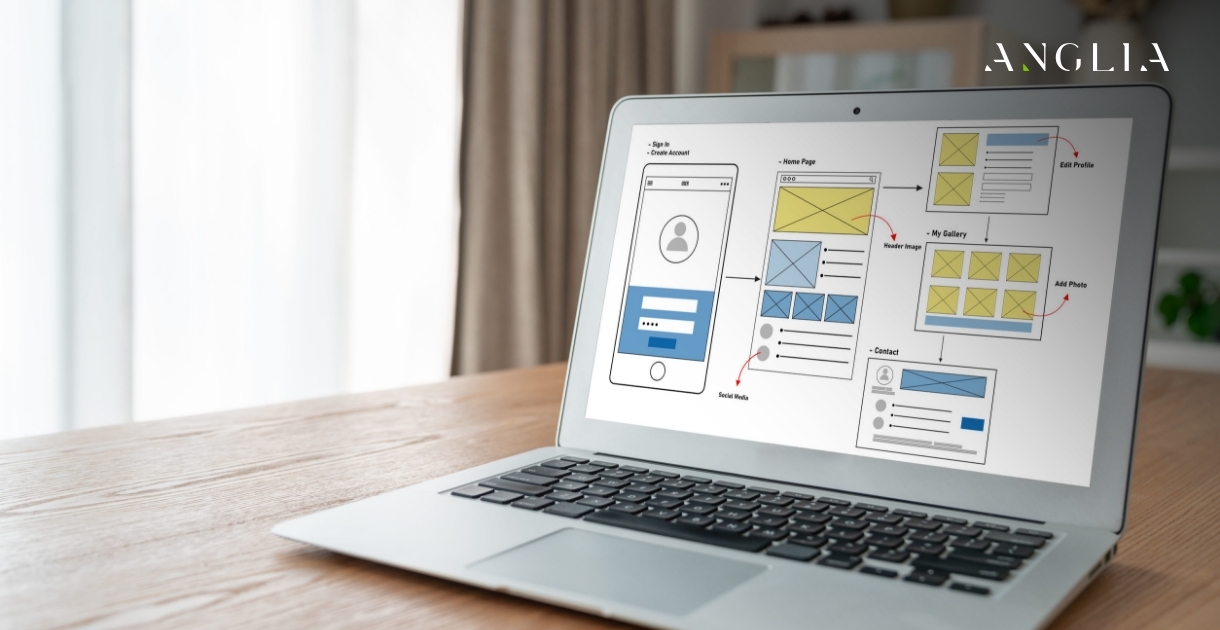

Why Is Website Navigation and Structure So Important?
What is information architecture in web design?
Information architecture is how content is organized and structured across a website. Good architecture groups information logically so visitors can find what they need quickly and intuitively navigate your site.
Why is website navigation so important?
Navigation is how visitors move through your site. Clear, intuitive navigation helps them find information fast, while confusing menus cause frustration, high bounce rates, and lost opportunities.
How many items should a navigation menu have?
A main menu works best with around five to seven items, keeping choices clear and manageable. Too many options overwhelm visitors, so grouping related pages under logical categories helps simplify navigation.
How does site structure affect SEO?
A logical structure helps search engines crawl and understand your pages, improving rankings. Clear hierarchy, internal links, and organized content make it easier for search engines to index your site effectively.
What is the difference between primary and secondary navigation?
Primary navigation holds your most important pages, usually in the main menu. Secondary navigation covers supporting links, often in the footer or sidebar. Together they organize content by importance and purpose.
What is a sitemap and why does it matter?
A sitemap lists your website's pages and their structure. An XML sitemap helps search engines find and index content, while a visual sitemap helps plan a clear, logical site organization.
How can I make sure visitors find what they need quickly?
Use clear labels, logical grouping, a visible search bar, and intuitive menus. Understanding how your audience thinks and structuring content around their needs helps them reach their goals with minimal effort.
What are common navigation mistakes to avoid?
Avoid vague labels, too many menu items, inconsistent placement, and hidden important pages. Overcomplicated navigation confuses visitors, so simplicity, clarity, and consistency are key to a smooth experience.