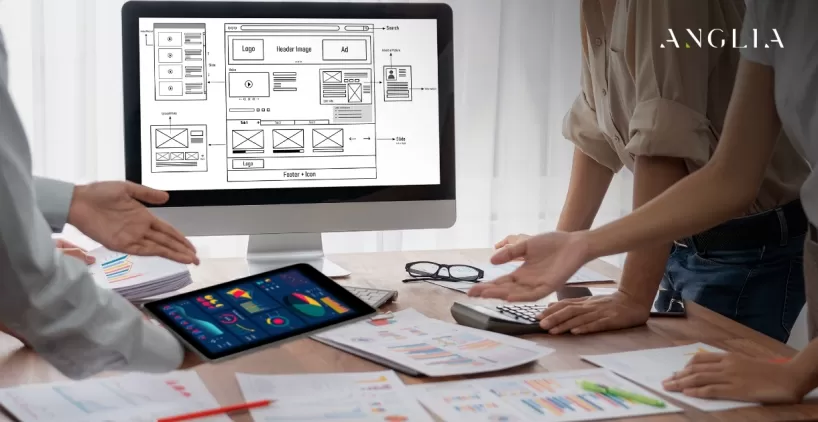
Forms are where visitors become leads, so their design directly affects your results. This FAQ explores how thoughtful form design reduces friction, builds trust, and captures more leads without frustrating your visitors.
FAQ
How Can Well-Designed Forms Help You Capture More Leads?


How Can Well-Designed Forms Help You Capture More Leads?
Why does form design matter for lead generation?
Forms are the point where interest becomes a lead, so their design directly affects conversions. A clear, simple form encourages completion, while a confusing or long one drives potential leads away.
How many fields should a form have?
Fewer fields generally mean higher completion rates. Ask only for what you truly need at this stage, since every extra field adds friction and increases the chance visitors abandon the form.
What is the best placement for a contact form?
Place forms where visitors expect and need them—on a dedicated contact page, in the footer, or near strong calls-to-action. Visible, well-timed forms capture interest at the moment it peaks.
How can I reduce form abandonment?
Keep forms short, show clear labels, indicate required fields, and avoid unnecessary questions. Providing helpful error messages and a visible submit button also keeps visitors moving toward completion.
Should forms be optimized for mobile?
Absolutely. Many visitors fill out forms on phones, so fields must be easy to tap, keyboards should match input types, and layouts should be simple. Mobile-friendly forms significantly boost completion rates.
What is inline validation and why is it helpful?
Inline validation checks input as users type, flagging errors immediately rather than after submission. This prevents frustration, helps users correct mistakes on the spot, and increases successful form completions.
How do I make visitors feel safe submitting a form?
Show trust signals like a privacy note, secure HTTPS, and clear information about how data is used. Reassuring visitors their details are protected reduces hesitation and encourages submissions.
What is a lead magnet and how does it help capture leads?
A lead magnet is a valuable free offer, like a guide or discount, given in exchange for contact details. It gives visitors a reason to share their information, boosting sign-ups significantly.
Should I use a multi-step form or a single-page form?
Multi-step forms break long forms into manageable chunks, which can feel less daunting and improve completion. Single-page forms suit short requests. The right choice depends on how much information you need.
What happens after a visitor submits a form?
A good form shows a clear confirmation message or thank-you page and, ideally, triggers a prompt follow-up. Confirming success reassures visitors and sets the stage for continued engagement.